PAYCHECK DECODER · U.S. PAY STUBS
Your paycheck,
in plain English.
Understand what came out, where it went, and how the numbers add up to your take-home pay.
Private by design. Your entries stay in this tab. No account or cloud upload. Files and entries stay on your device.
Start with your pay stub
ON YOUR DEVICEChoose a photo or PDF to fill in the lines for you. Review what was read before using it, or enter amounts yourself.
JPG, PNG, WebP or PDF · up to 10 MB · PDFs up to 5 pages · English printed text. A sharp, upright photo works best. No files, images or extracted text are sent to a server.
No stub handy? Download a fictional sample PDF or sample photo to try the reader.
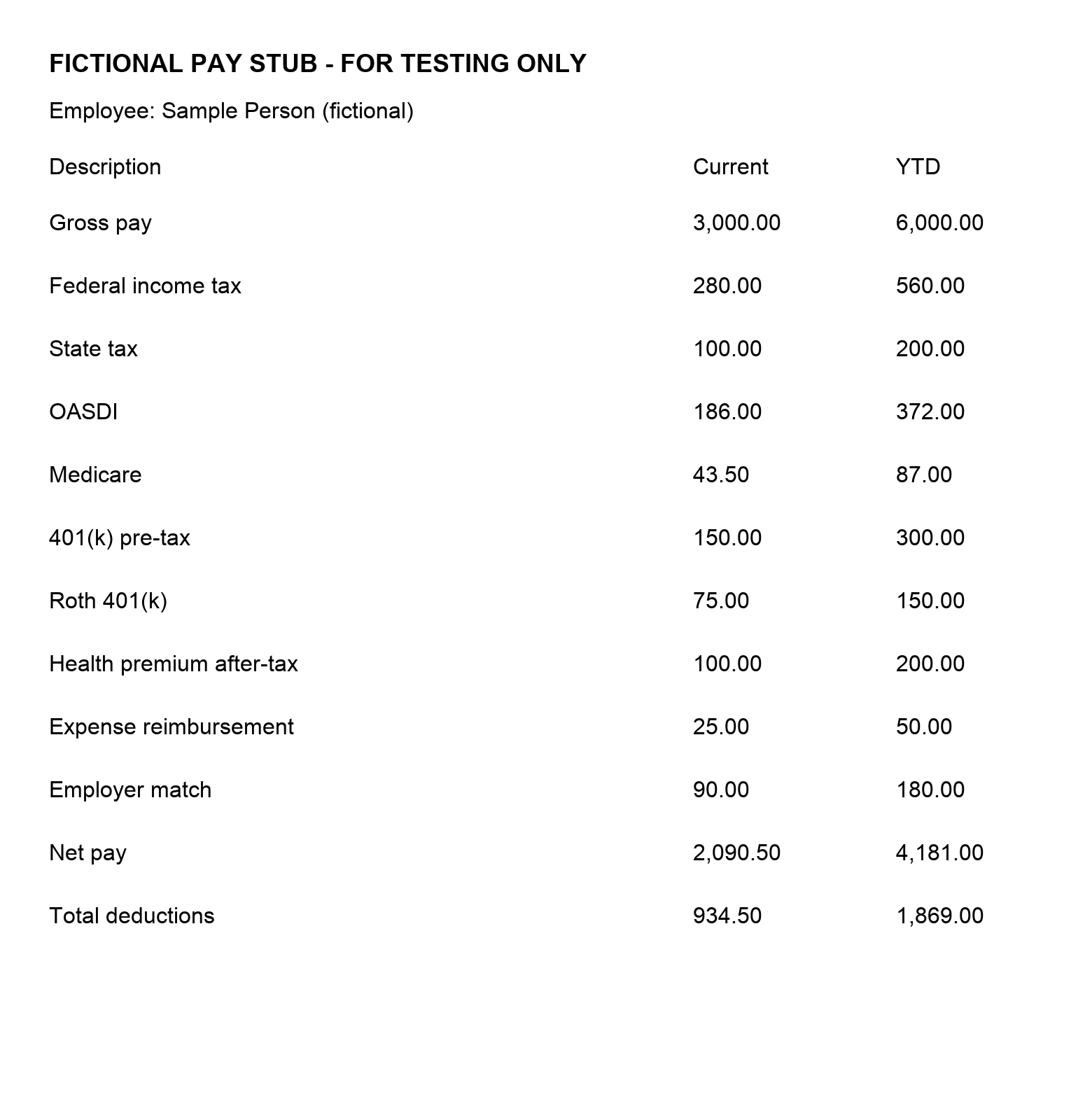
One page at a time. Import the page for this paycheck; pages are never merged automatically.
View the selected page
Review before using these amounts
Text recognition can miss digits, mix columns or misread labels. Check the source page and select only this paycheck’s amounts. Earnings details and subtotals are excluded to avoid counting them twice.
Show all text read from this page
Use this to spot a missing line. Unrecognized items can still be entered manually.
Using these amounts replaces the existing paycheck entries. Your file and extracted text will then be removed from this page; the selected amounts remain editable.
MAKE SENSE OF THE SMALL PRINT
What does that code mean?
Look up common entries even if you do not have your pay stub handy. Employers use different codes, so confirm unfamiliar labels with payroll.
No matching term. Ask payroll to explain the code, or record it as “Other deduction / not sure” if it reduces your cash pay.
The decoder subtracts the tax and deduction amounts you enter from cash gross pay, then adds cash payments not already included in gross. It compares that result with the optional net-pay figure. It does not infer taxable wages, apply tax tables, or assess annual withholding. Special cases such as stock compensation, non-cash benefits and payroll reversals may need help from payroll.
Sources & useful next steps · Reviewed October 18, 2026
- Consumer.gov: your paycheck explained ↗
- IRS: Social Security and Medicare withholding ↗
- IRS: tax treatment of retirement contributions ↗
- IRS: employer fringe benefits guide ↗
- IRS Tax Withholding Estimator ↗
For education, not individualized tax, legal, or financial advice. Photo/PDF recognition can miss or misread amounts; always review the selected current-period entries. Unusual layouts and handwriting may require manual entry.
Common questions
Does my pay stub leave my device?
No. Photo and PDF reading runs in this browser tab. Your file and extracted amounts are not sent to a server or saved in browser storage.
Can I correct imported amounts?
Yes. Compare the suggested lines with your original pay stub, select current-period amounts and correct any mistakes before importing. Imported entries remain editable.
Does this calculate my tax bill?
No. It explains the amounts you enter and checks whether gross cash pay minus deductions and taxes, plus cash additions, matches your reported net pay. It does not estimate annual tax liability.